Accounting integrations and driving-data tools
Mileage reimbursement, commute analysis, and interactive maps built around Automatic’s connected-car data.


Automatic drivers, commuters, and people submitting mileage expenses
Application development · API integrations · Interactive maps · Data visualization
Automatic drivers, commuters, and people submitting mileage expenses
Application development · API integrations · Interactive maps · Data visualization
Project overview
The challenge
Automatic recorded trips and fuel use through a vehicle’s OBD-II connection and its app.
Our work
BlinkTag built accounting and expense integrations and a collection of Automatic Labs applications for mileage reimbursement, commute analysis, and maps of recorded trips.
Accounting integrations: from trip to expense
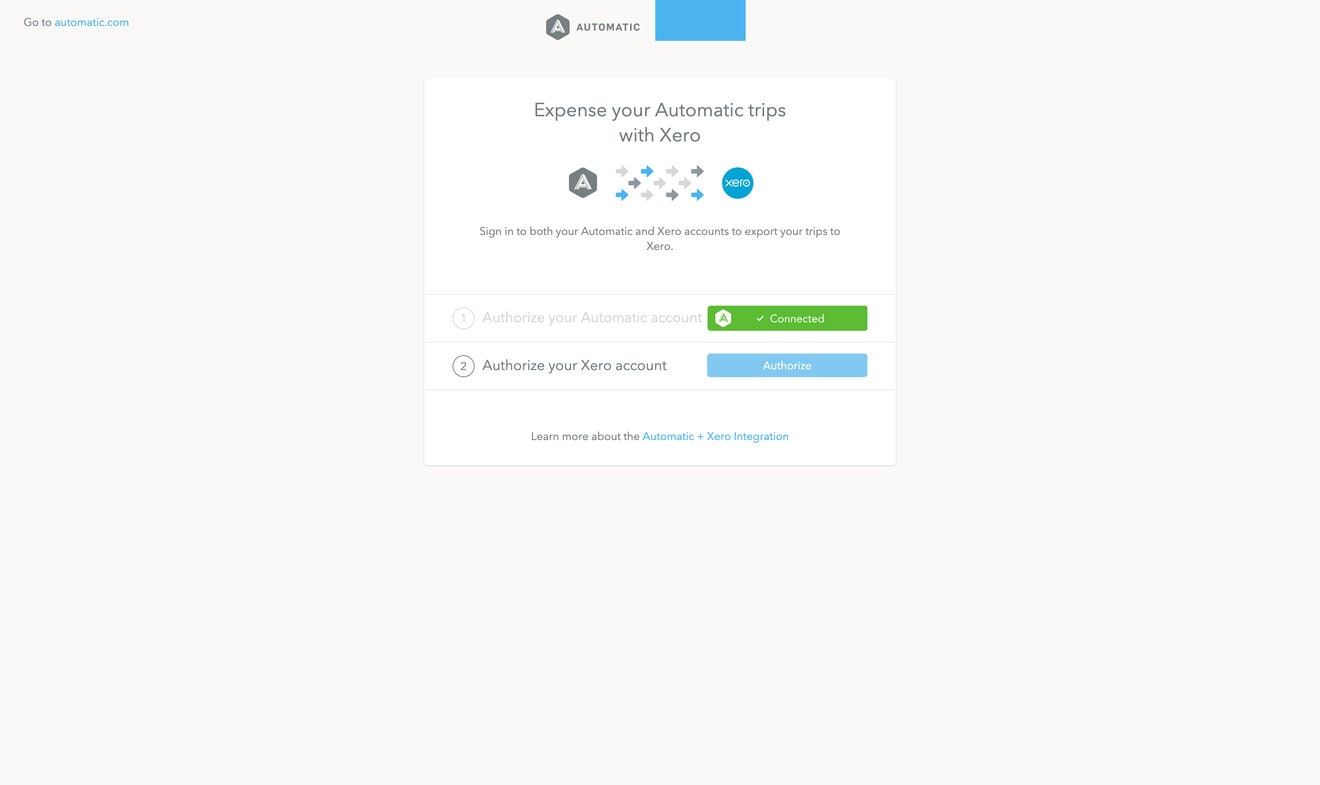
BlinkTag connected Automatic with Xero, QuickBooks, Expensify, and Concur. Drivers authorized their accounts, selected trips, and sent the supporting information to their accounting or expense platform.
Each valid submission included the trip date and time, start and end locations, mileage, fuel use, and a receipt image with a route map.
Mileage reimbursement with Concur
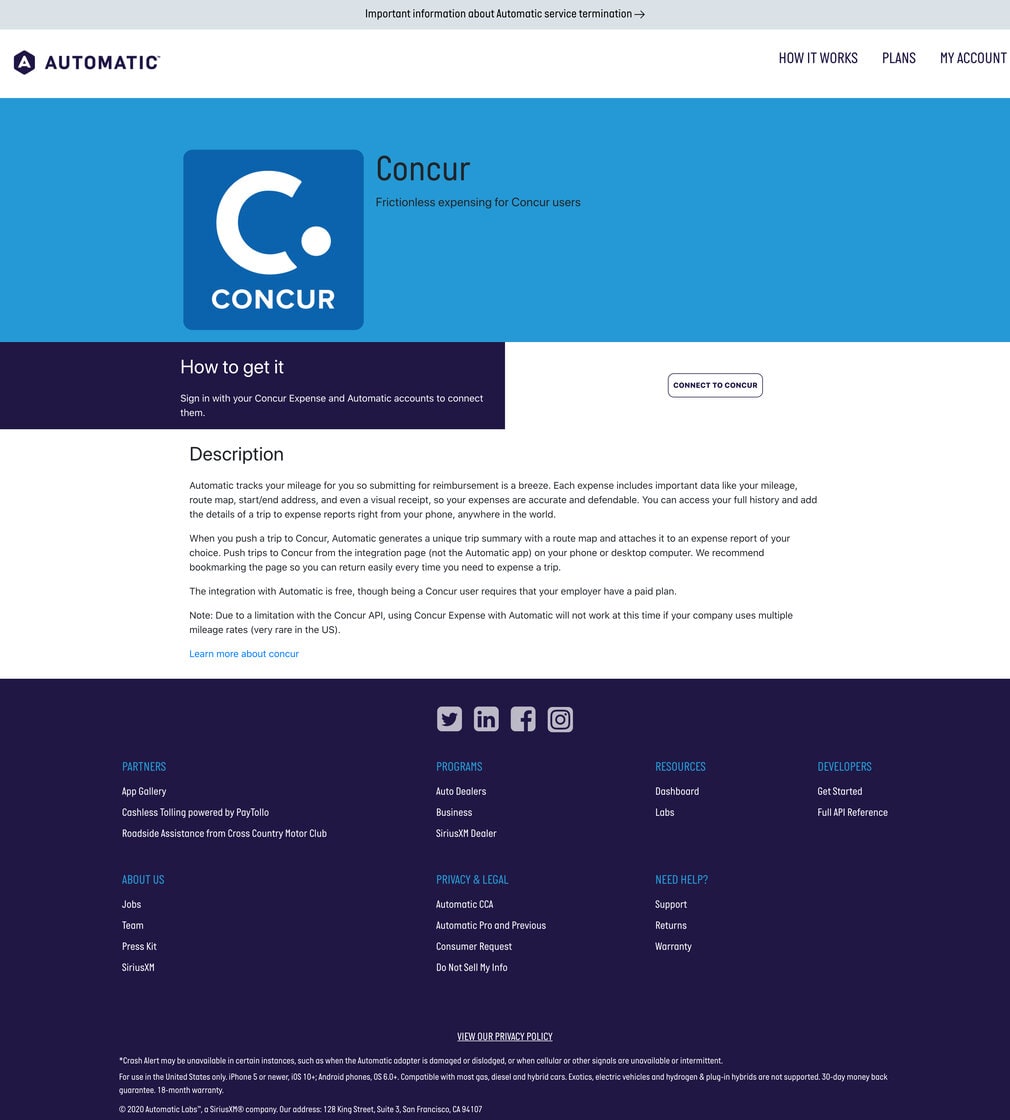
The Concur integration turned a selected drive into a trip summary with a route map, attached to an expense report. Drivers could use the integration from a phone or desktop to review their trip history and submit mileage.
Automatic Labs: exploring vehicle data
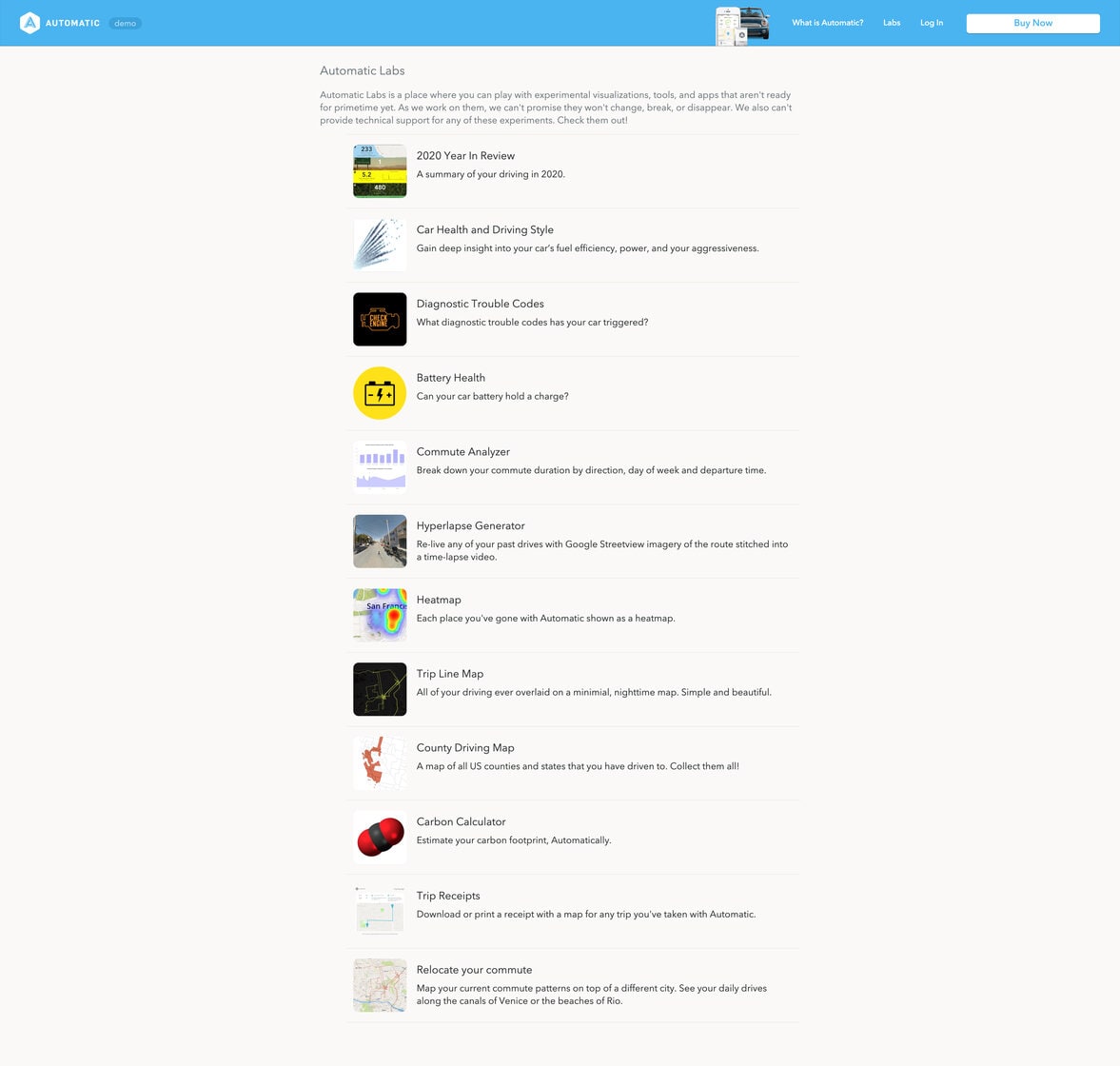
The Labs collection included the applications below, along with Car Health and Driving Style, Diagnostic Trouble Codes, Battery Health, Heatmap, County Driving Map, and Trip Receipts. These tools covered vehicle information, frequently visited places, counties and states visited, and printable trip records.
Commute Analyzer
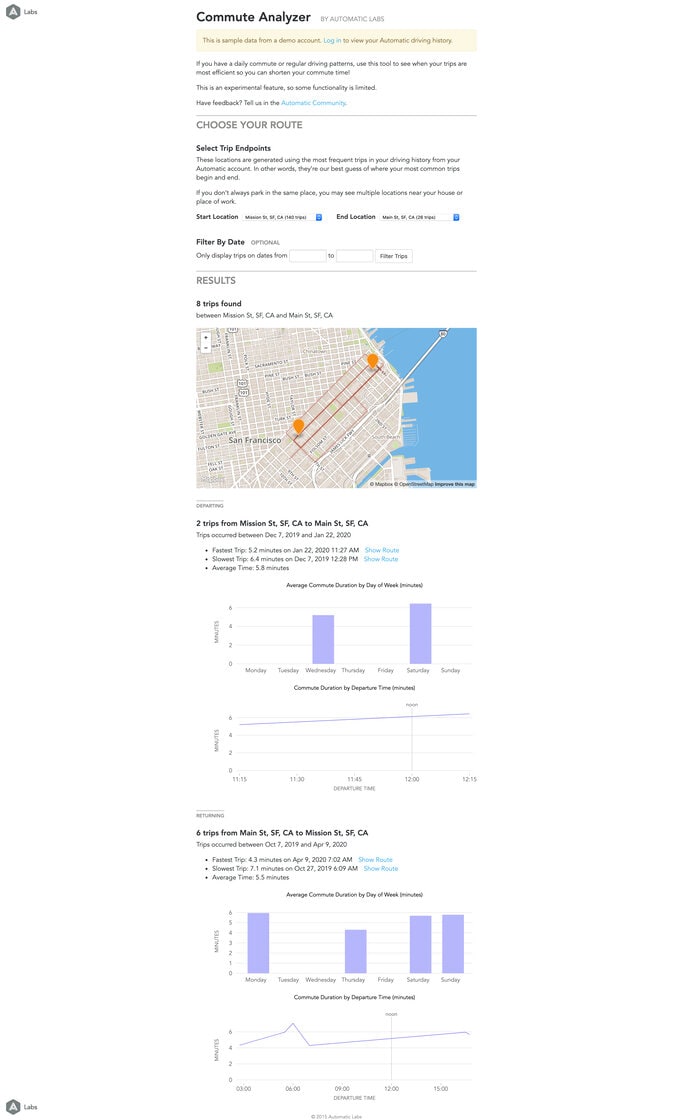
Commute Analyzer grouped repeated trips between selected endpoints and compared travel times by direction, day of the week, and departure time. Drivers could filter their history by date and see the routes alongside charts of their commute duration.
Carbon Calculator
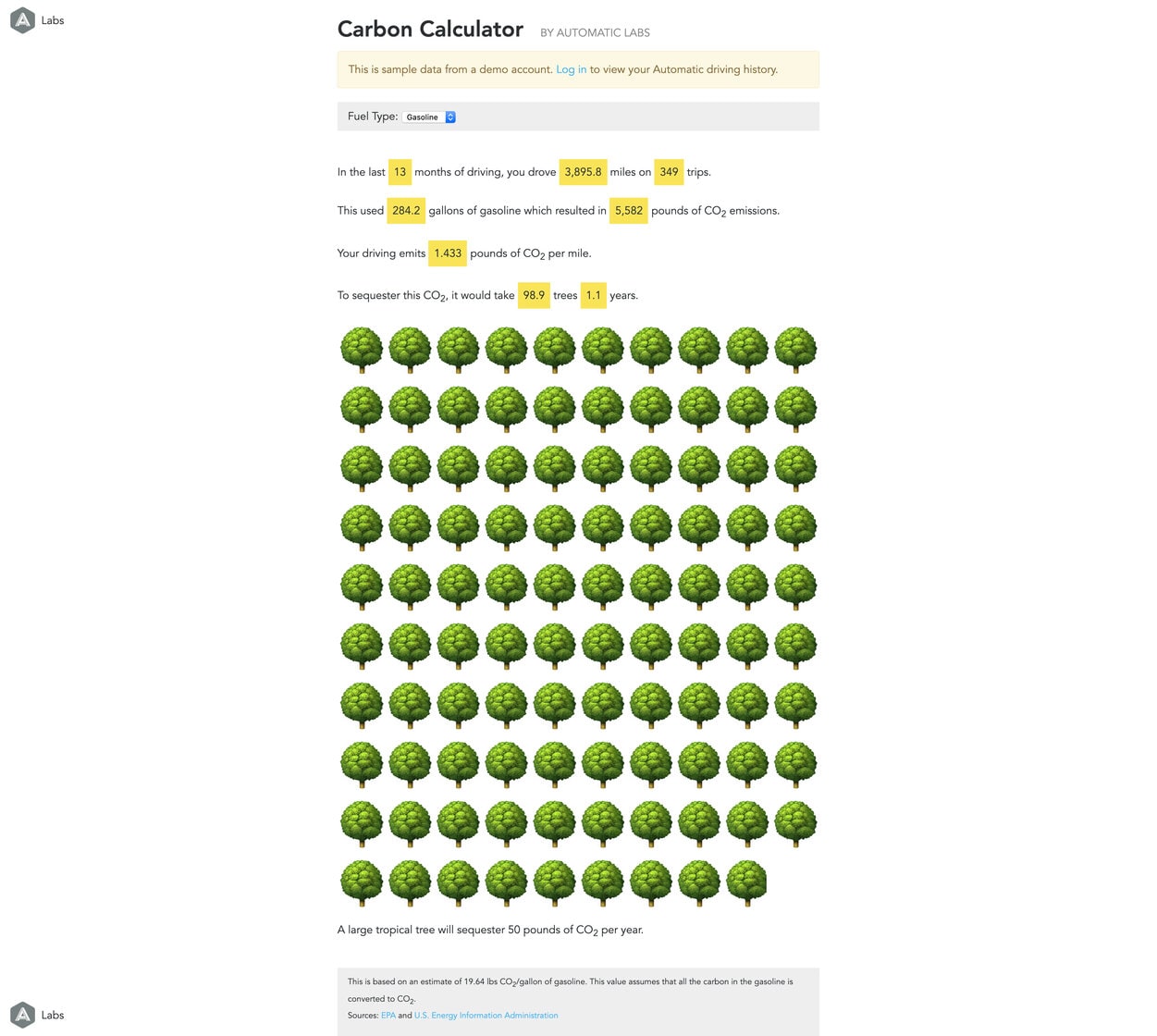
Carbon Calculator used recorded fuel consumption and the selected fuel type to estimate driving-related carbon emissions. It summarized mileage, trips, fuel use, and emissions per mile, then used a tree illustration to give the estimate a visual reference. The interface showed its assumptions and sources alongside the results.
Relocate Your Commute
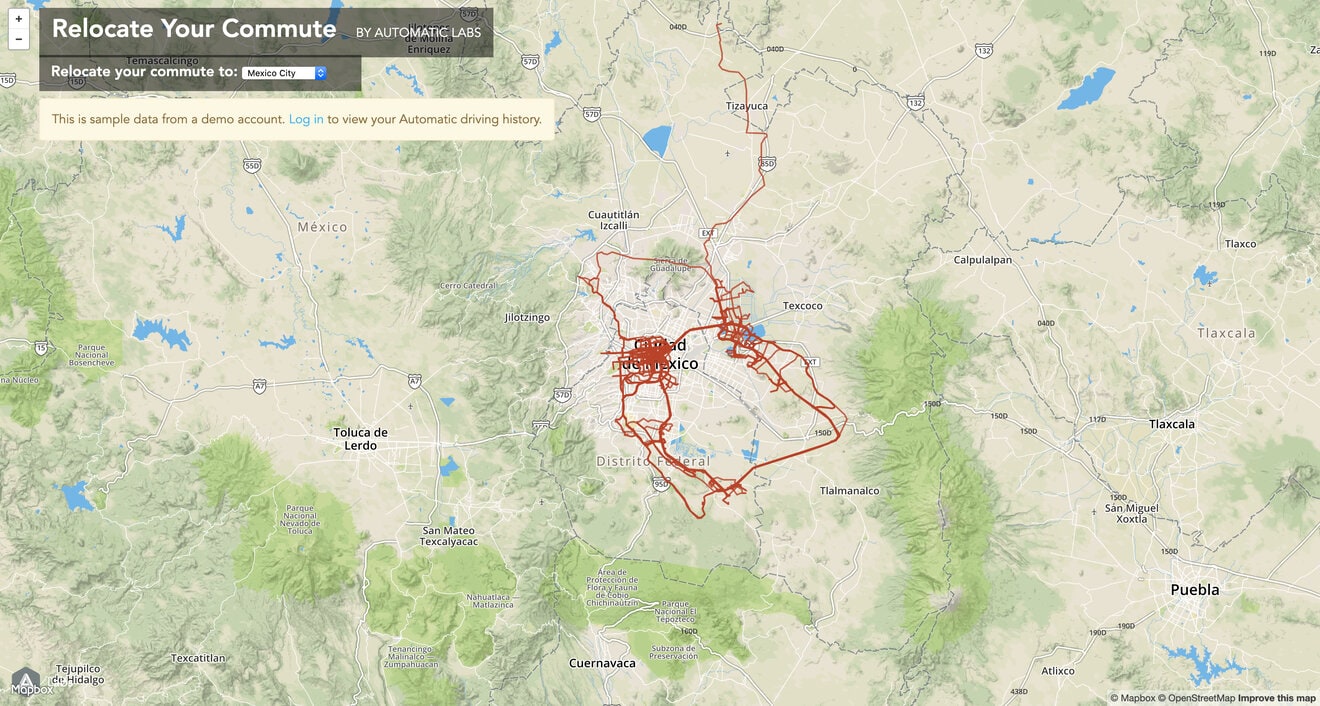
Relocate Your Commute placed a driver’s existing travel patterns over a different city. Selecting a destination changed the map beneath the routes, offering a playful way to compare familiar driving distances with an unfamiliar place.
Hyperlapse Generator
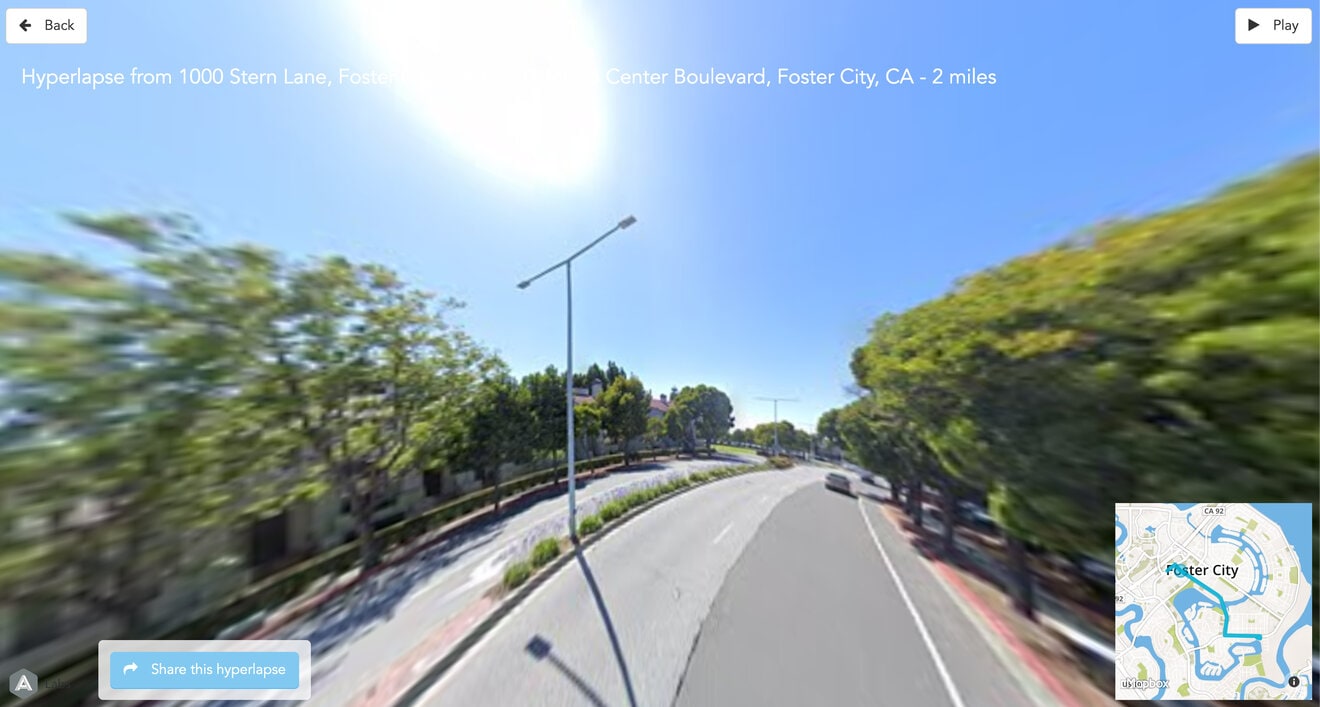
Hyperlapse Generator combined a recorded route with Google Street View imagery to create a time-lapse replay of the drive. A small route map showed the location alongside the street-level view, with controls to play and share the result.
Trip Line Map and Year in Review
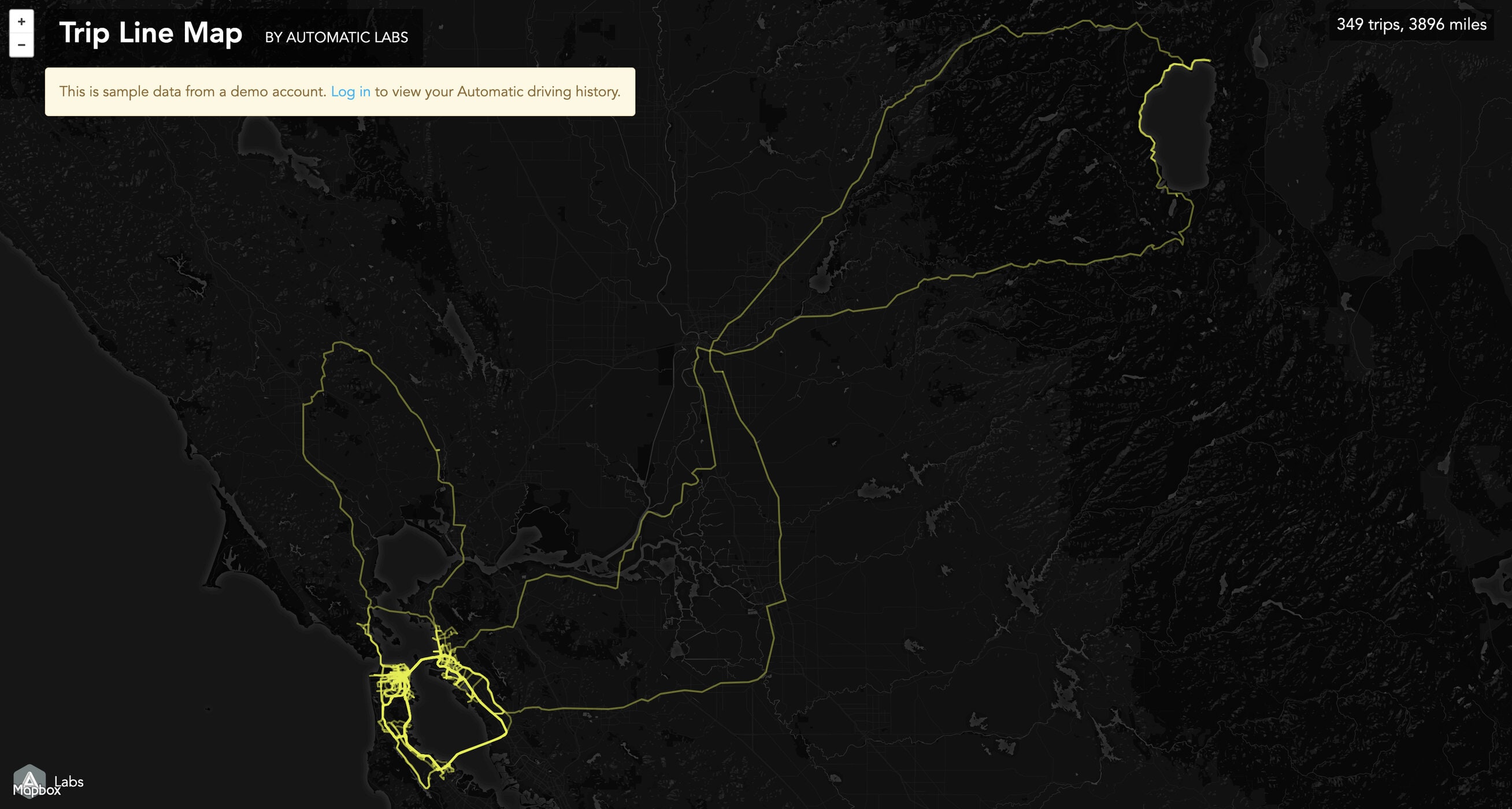
Trip Line Map overlaid recorded drives on a dark basemap, making recurring routes and the extent of a person’s travel visible at a glance. It is shown in the project’s opening image.
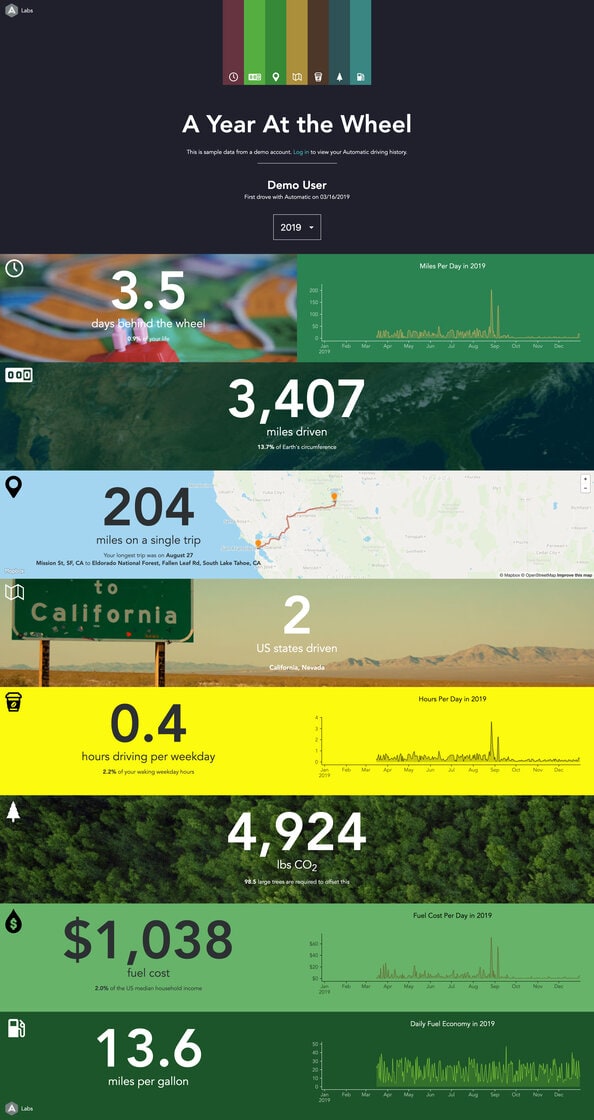
Year in Review turned a year of driving into a personalized visual report. Maps, charts, and large figures summarized time behind the wheel, distance, the longest trip, states visited, fuel costs, fuel economy, and estimated carbon emissions.
Related projects
GTFS-ride: ridership data tools and publishing
A ridership-data website, conversion tools, and visualization app developed with Oregon State University.
Data & operationsMaps & decision toolsWebsites & digital publications
Commuter programs and communications
Websites, participation tools, and digital outreach supporting commuter programs, active transportation, and youth safety.
Engagement & resourcesWebsites & digital publicationsCommute programs & TDMData & operationsPlanning a similar project?
Tell us about your requirements and the people who will use the system.